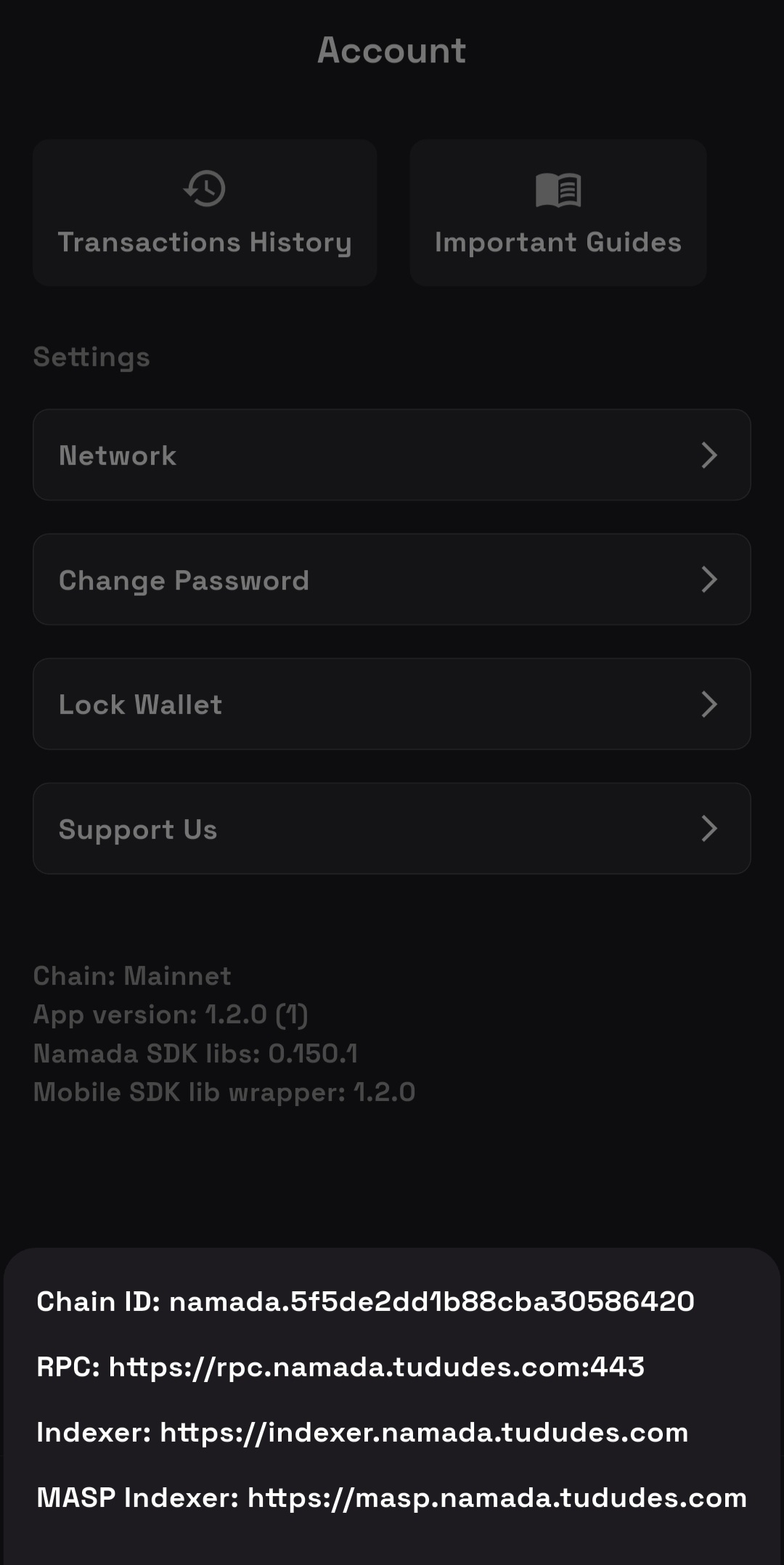
We didn’t announce, that the app
is available outside official stores.
So it’s expected behavior atm.
1.2.0 has shielded sync issues on different devices, including app crashing.
Yesterday we’ve released version 1.2.1.
Improvements:
- Added shielded sync on button pressed on Wallet Screen. That’s a temporal decision, because shielded sync has unpredictable issues on specific devices. We research it.
- Performance improvements.
1 Like
Thank you for your response and for continuing to improve the wallet.
Just to clarify: all my testing, including the screenshots and bug reports, were done using the original Namada Wallet downloaded exclusively from Google Play.
I did not use any third-party APKs or alternative app stores.
At one point, I was only researching the possibility of a clean APK to use in a second environment (a Work Profile) - this was needed to test transfers and balances between two wallets on a single device, as at that time I had only one phone available.
Now I have three devices for testing, but back then I was trying to simulate two users securely on the same phone.
To be clear: I never installed or used any unofficial builds.
All the reported issues (shielded sync errors, crashing, wallet name bug, etc.) were encountered while using the official release from Google Play.
1 Like
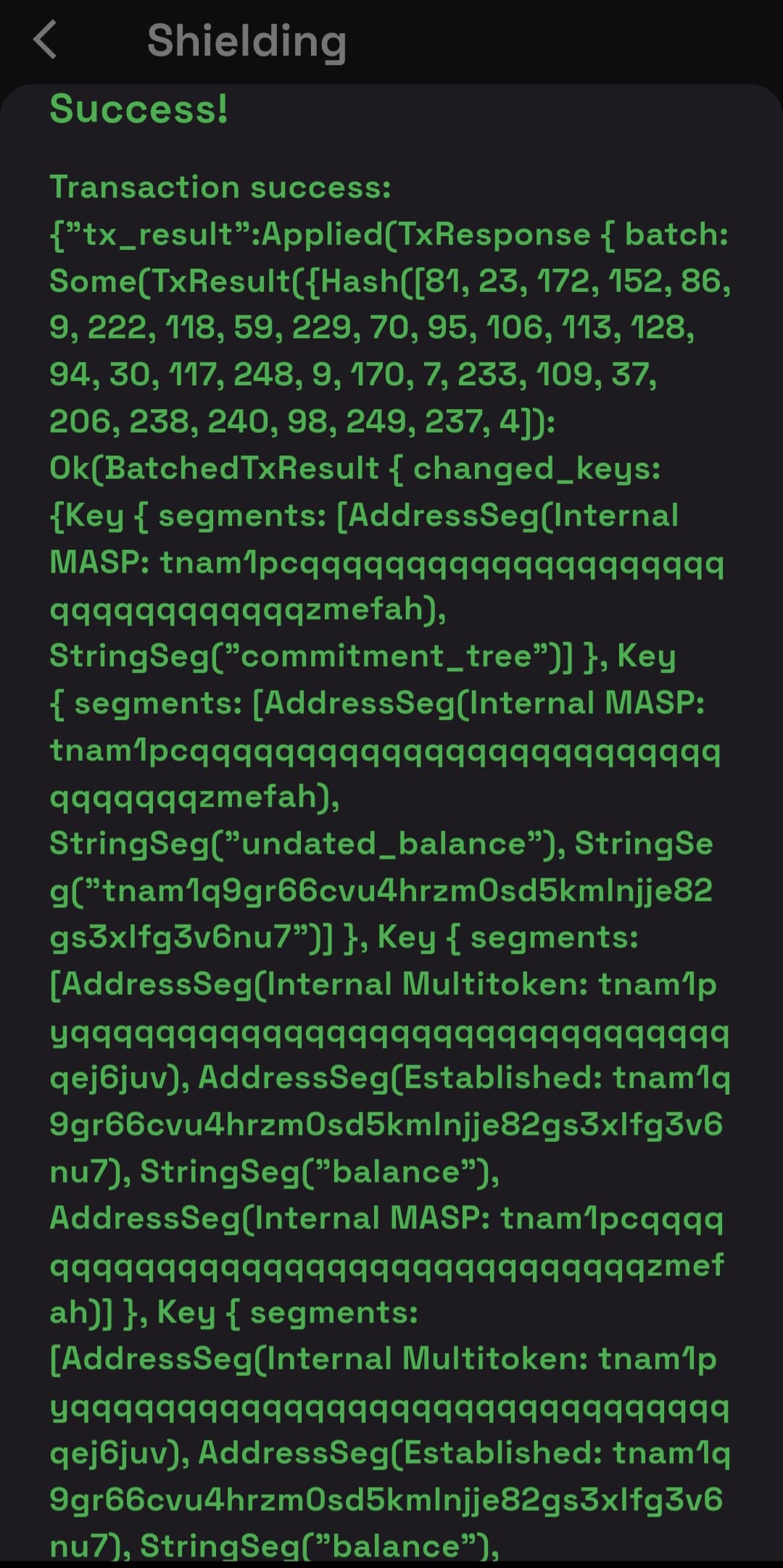
I updated Namada Wallet to version 1.2.1. Inside the Wallet section, I tested the new Shield feature - successfully sent from a Transparent Address to a Shielded Address. It showed success:
However, the Shielded balance still doesn’t show - during synchronization, the app crashes and force closes:
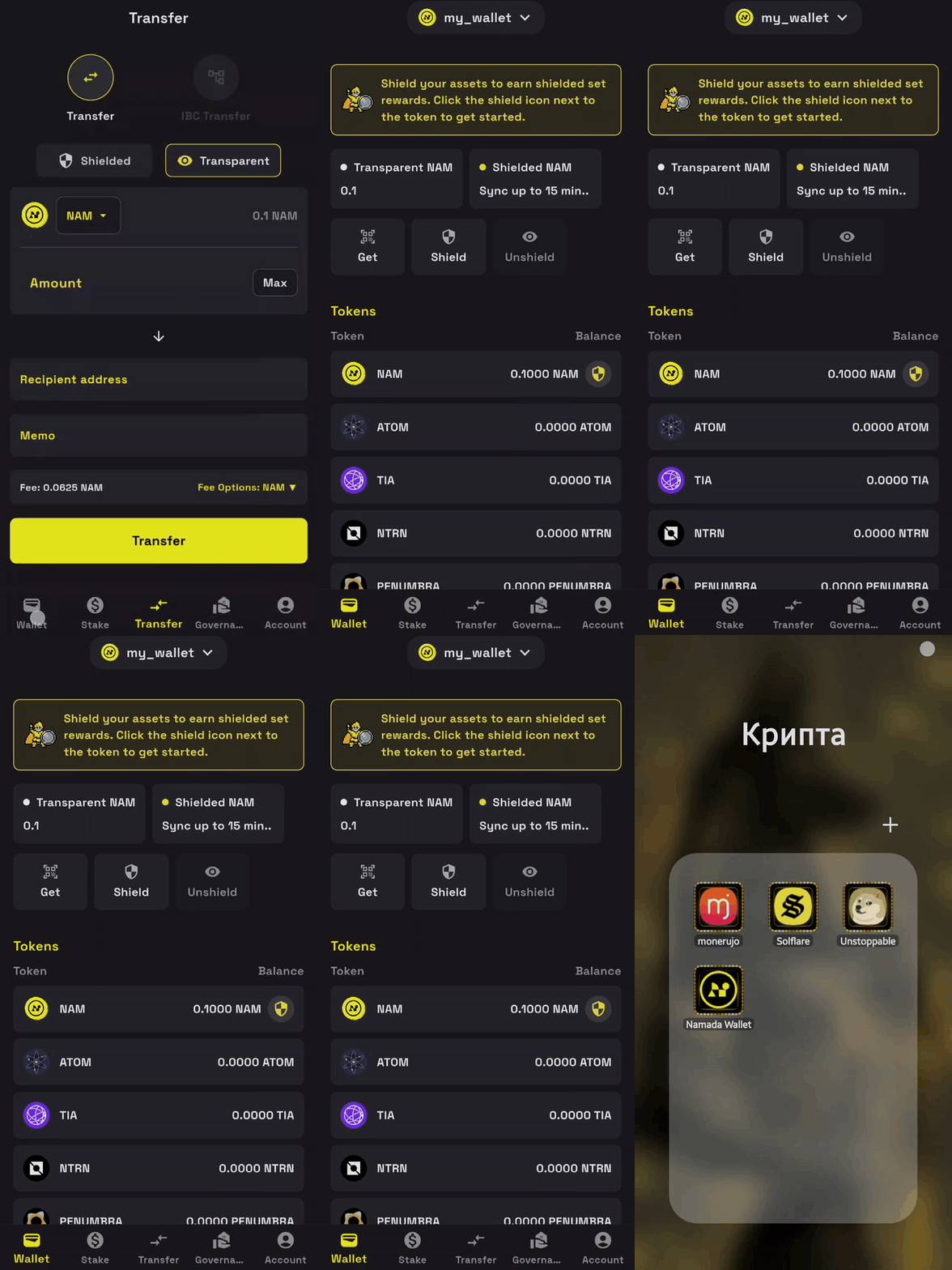
I also tested transparent to transparent transfers again from one wallet to another, but this time using a new and simpler method: I did everything on a single device (Samsung A72 in the main profile), without uninstalling the Namada Wallet app. I simply cleared the app data, then imported the seed phrase of another wallet - the import worked fine. However, when I tried to send NAM back to the original wallet, an error occurred again:
I also tried to send 0.01 NAM, but the exact same error appears.
I checked the transaction history in the wallet from which I previously tried to send NAM back, and nothing was received - but the NAM amounts disappeared:
And here is a screenshot of the transaction history from the first wallet, from which all transactions to the other wallet were successfully completed:
Note: I checked the key generation and display behavior and noticed a pattern: every time I import (log into) the Namada Wallet app using a seed phrase, the Shielded Address changes, while the Transparent Address and Public Key remain the same. This happens regardless of whether I uninstall and reinstall the app or simply clear its data and log in again using the same seed.
Also, keys are always displayed correctly only if the wallet name is set to my_wallet.
I’m monitoring the Transparent balance and noticed something strange.
The first time I tested a Shield transfer within the wallet (from Transparent to Shielded), the result showed “Success” after the transaction, but the Transparent balance didn’t change or decrease.
I closed the app, cleared the cache and data, then reopened it - the balance was still unchanged.
So I decided to test the Shield transfer a second time. Again, it showed “Success”, but this time the balance actually decreased:
There are no issues in this section - everything is displayed as expected:
Today we’ve released version 1.3.1.
Improvements:
- Shielded transfers.
- Unshielding transfers.
- Performance improvements.
Btw, shielded sync doesn’t work good for all devices.
Hope future implementation of FMD+TEE will help.
5 Likes
I succeed to stake but the app showed a misleading error
1 Like
In the previous and new version 1.3.1 there is still a bug in unstake:
Hello @GE.Tnso
First, I would like to thank you for this new app version. It’s great to now have the shielded features 
Most of my initial comments are still relevant.
Here are the new ones from my tests with version 1.3.1.
Device & OS
Pixel 6A
Android 16
Functional Feedback
Shielded Sync
At first I was unable to sync and all my attemps were failling. The app crash and closed automatically.
Then it has worked when I was recording (not directly from the home page but from the sync available in the Transfer tab)
Access the Shielded Sync video
Suggestion: The app crashes were probably due to my phone’s hardware limitations. Like you, I’m hoping that the FMD implementation will solve this problem.
Once it’s done, it would be great to have the same behavior as the transparent balance on the Home Page (updating the shielded balance on sroll down).
Staking
An error message appeared on the first attempt, but the staking action was ultimately successful. However, the balance did not update.
See 00:30 in the coming video.
On the second attempt, the staking process worked correctly. The transaction was successful, and both the confirmation message and the balance updated as expected.
See 00:45
Access the staking video
Suggestion: Fix the error message and balance update issue encountered on the first attempt.
Unstaking
Transaction successful. However, the staked balance did not immediately update on the unstake details page or on the stake tab (it took a few back-and-forths for the value to update).
See 1:35
Access the unstaking video
Suggestions:
- Fix the balance update after transaction success
- Add the withdraw function once the unboarding period is done.
Shield/Unshield
Working properly.
Suggestion: As mentioned before, once shielded sync problems are solved, it would be perfect to have the shielded balance update at the same time as the transparent balance to avoid two different behaviors that could confuse users.
Overall thoughts
Great work! The vital functions are working well, and besides the shielded sync problem, it’s a matter of optimizing the display updates and the confirmation message.
2 Likes
Shielded NAM balance synchronization is always successful:
But when synchronizing Transfer Shielded, there are freezes. Below are three attempts and the places where the freeze and stop of the synchronization process occurred. Even after 15-20 minutes, nothing happened,
1 attempt:
2 attempt:
3 attempt:
This test was conducted on a Samsung A72 device, OS Android 14.
2 Likes
Thanks for feedback.
Today we’ve released version 1.4.0
Improvements:
- Implemented an address book. Creation is available for both transparent and shielded addresses, but usage is currently supported only for transparent addresses. Support for shielded transfer input will be added in the next release.
Note: The address book stores addresses only on your device. If you delete the app, all saved addresses will be removed.
- New guides added.
- Improved UI on “Account” screen.
Next release we’ll try to fix a several known issues.
3 Likes
Today we’ve released version 1.4.1
Improvements:
- Added address selection from “Address book” for shielded transfers.
- Fixed validators sorting on Stake screen. Algo: bonded validators displays at the top, then display all others sorting by rank.
- Added validator icons on Stake screen.
- Removed inappropriate text “I understood show my phrase” while button is disabled on Wallet creation screen [step 1].
3 Likes
But it’s still impossible to remove from staking!
Thanks for feedback.
Today we’ve released version 1.4.2
Improvements:
- Staking rewards.
- Fixed unstaking issue for non-integer values. (for instance: 0.5 NAM]
- Fixed unstaking issue for unbonded validators: now it’s possible to remove from staking.
2 Likes
Awesome, and thank you for these improvements!
I’ll test this version tomorrow, along with the new features added since 1.4.0.
1 Like
1.
2.
Screenshot 1 - Error in Namada Wallet app
When attempting to unstake part of the delegated amount, the transaction fails and displays an error message in the wallet interface, even though the balance is sufficient to cover the fee.
Screenshot 2 - Explorer result (https://namada.explorers.guru)
After the failed unstake attempt, checking the related address on the Namada explorer shows “NO RESULTS FOUND”, indicating that the transaction was not broadcast or confirmed on-chain.
Hello @GE.Tnso
Device & OS
Pixel 6A
Android 16
Functional Feedback
During this test, I didn’t encounter any errors or issues performing the intended actions.
Well done ! 
Main UX concern
Currently, the biggest factor that could confuse users is the lack of automatic refresh after an action is completed.
Example: withdrawing tokens after the unbonding period ends
-
On the Unstake page, I can see the tokens available for withdrawal.
-
In this situation, as the tokens are from the same validator and are both available to withdraw, I think the dedicated page should probably group the withdrawals (as both withdrawals will be executed at the same time).
-
I click the Withdraw button and I receive the confirmation message
-
After this transaction, I remain on the same page and the Withdraw button is still active.
-
If I click the button again, I get a message indicating there are no funds left to withdraw. (which is correct)
-
When I go back to the previous page, it still shows funds available to withdraw (which is incorrect, since I already withdrew them).
-
I have to return to the home screen or another screen, then click Unstake again to see the updated data.
Ideal behavior
After the transaction succeeds, show the success message and redirect to the refreshed Unstake page.
Note: This lack of automatic data refresh is observed across several interfaces.
Other minor suggestions
-
Add a link to the address book from the Transfer page.
-
Consider removing the blue highlight when no rewards are available and keeping it only when a claim is available.
Congratulations on the newly implemented features.
Please let me know if you need any additional information.
2 Likes
 Possible UI sync issue after unstaking — balance not updated
Body:
After the recent wallet update, I tested the new unstake feature.
The transaction successfully appeared on-chain:
 Block #3820058: [NG] Explorer | Namada | 3820058
Details:
Staked amount before: 0.50
Unstaked: 0.40
Expected remaining on stake: 0.10
Result: The unstake transaction appears correctly in transaction history, but the main balance screen did not update — it still shows the previous stake total.
This may indicate a UI sync or balance refresh issue after successful unstake execution on-chain.
Total balance and balance after withdrawal:
Transaction history record:
1 Like
Thanks for feedback.
Today we’ve released version 1.5.0
Improvements:
-
New screen: Deposit.
It supports IBC deposit of the ATOM token from Cosmos Hub to Namada.
Also it has a standalone screen to connect to Metamask. Just a presentation of the potential feature.
Note: Atom deposit flow works, but has not the best deeplinking and meta info while connect to another wallet. I think in future updates we’ll improve it.
-
Small UI improvements.
2 Likes
Today we’ve released version 1.6.0
Improvements:
-
Redesigned “Wallet” screen.
Shielded sync and other functionalities haven’t changed, the behavior remains the same. This is just a UX/UI update.
1 Like
Today we’ve released version 1.7.0
Improvements:
1. Shielding for non-NAM tokens.
2. Shielded balances for non-NAM tokens.
Note: functional update, so minor UX improvements in the backlog and will be implemented later.
3 Likes